Any data collected by Zeroaddress will be fully deleted when you remove your Zeroaddress account.Your Zeroadress account can be removed using the below procedure.
From the main screen of the zeroaddress mobile app, press on your avatar:
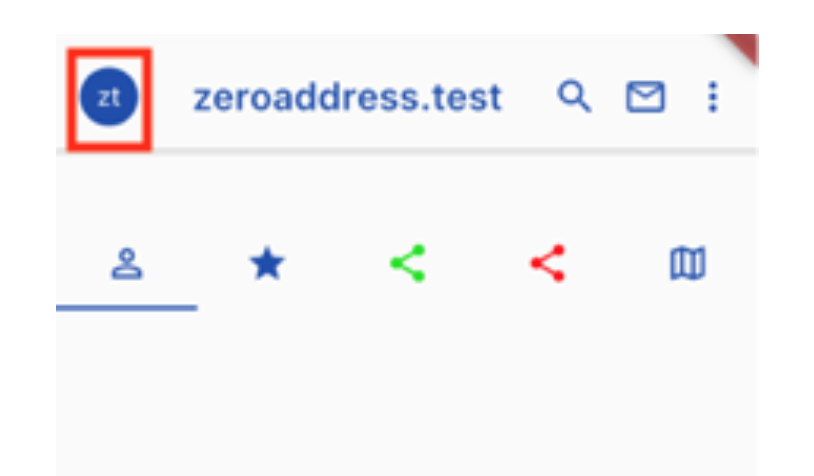
It will take you to your account details page. You can access to your account identity details by pressing the below icon:
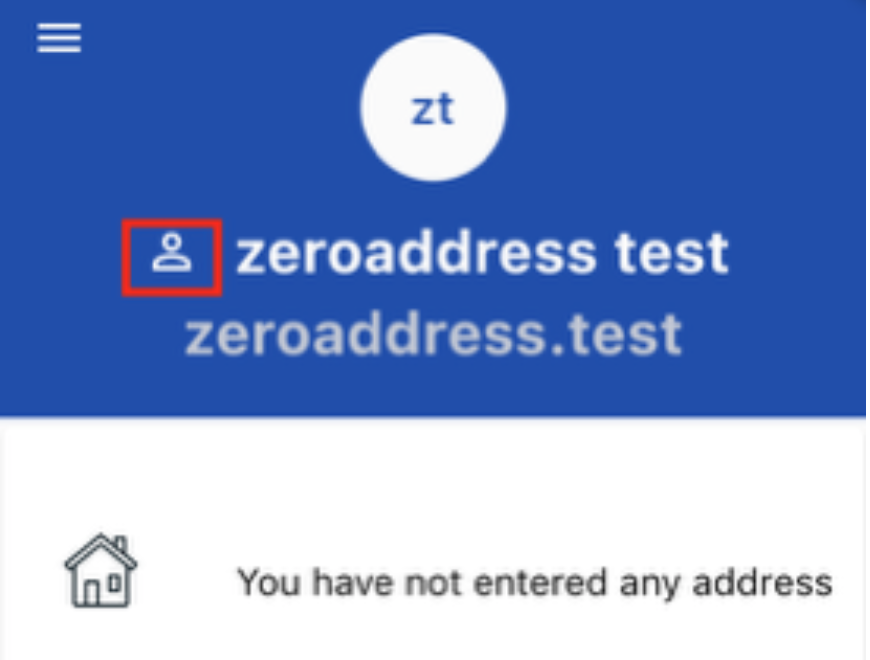
From your account identity details page, press the small gear icon to show the account settings page:
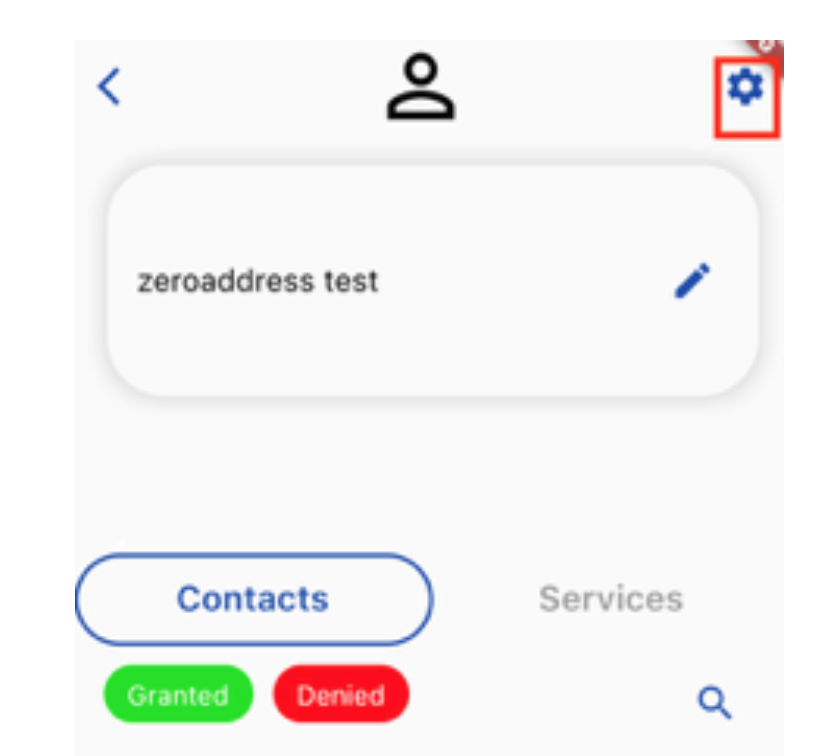
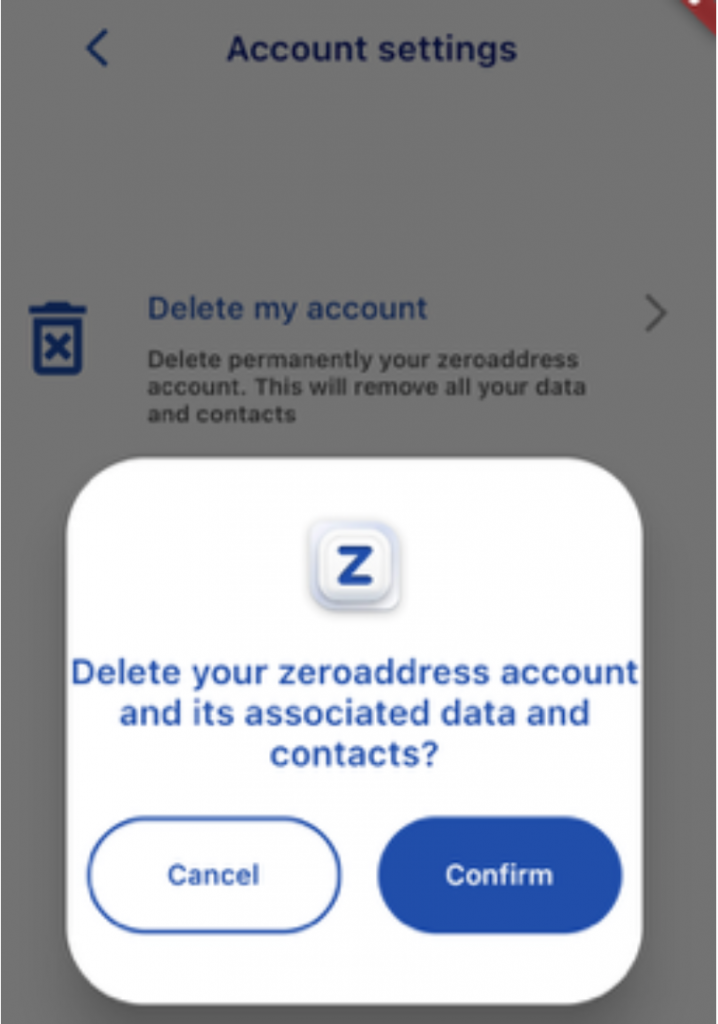
delete zeroaddress account
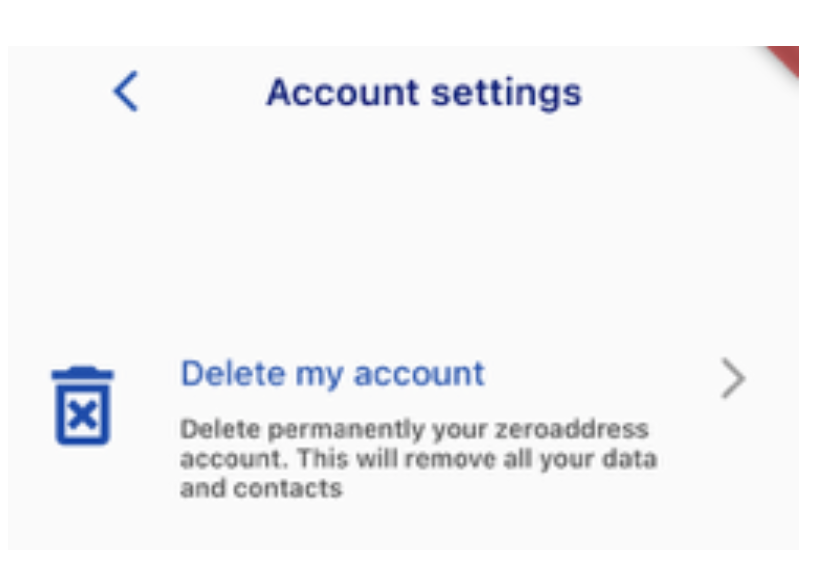
you can then select “delete my account”. You will be prompted for confirmation before the account is deleted.
In case of any issue with this process, please send an email to support@zeroaddress.com for assistance.